
Made a bunch more little improvements around the site today. It’s fun gleaning more about CSS. But I need to stop tinkering with design and get more actual writing done!
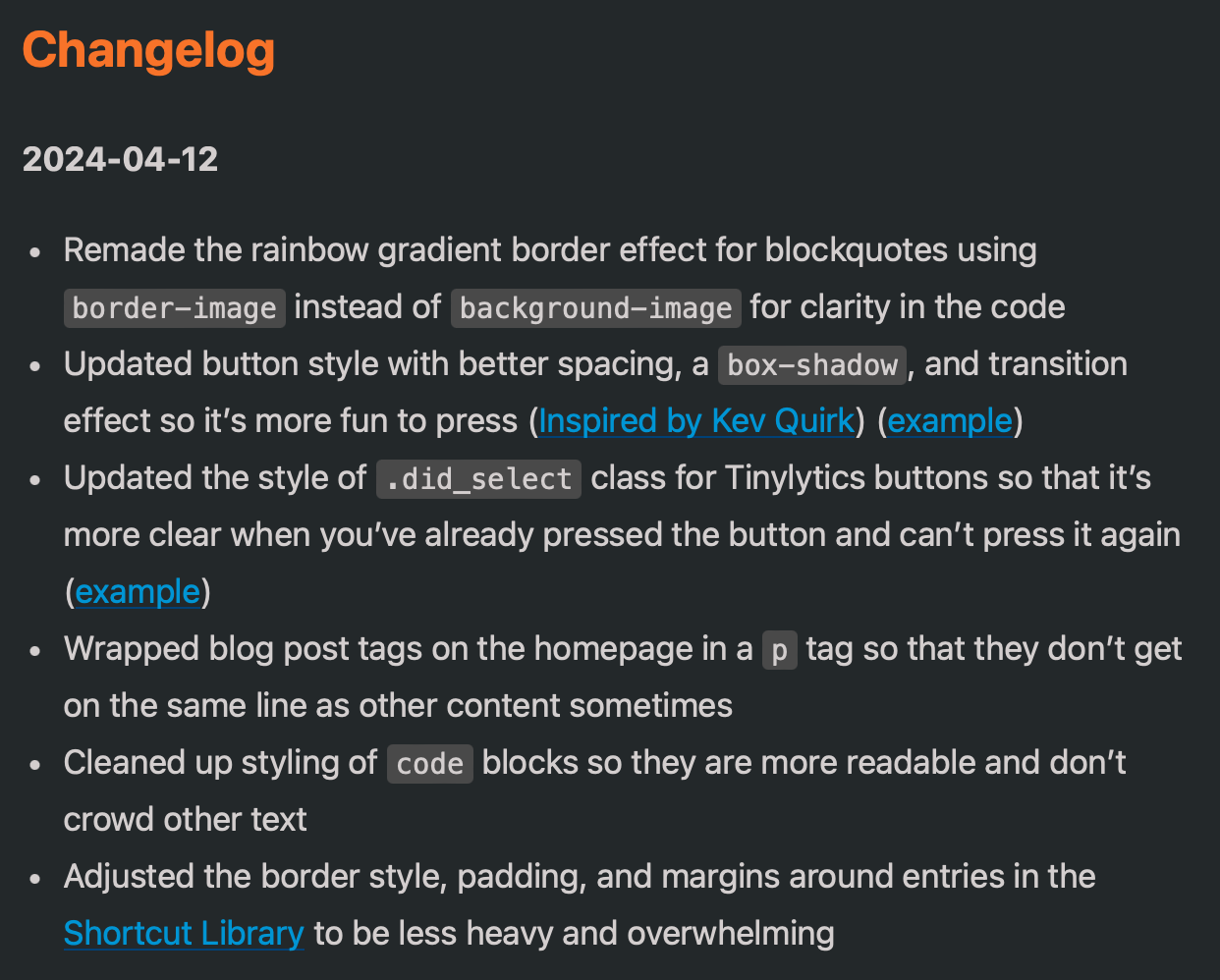

Made a bunch more little improvements around the site today. It’s fun gleaning more about CSS. But I need to stop tinkering with design and get more actual writing done!
@jimmitchell Sure! It’s a built-it feature of Blot, where my main blog is hosted. Here’s the relevant code in my entry.html template:
{{#previous}}
          <a class="previousEntry" href="{{url}}">
            <h4>❮ Previous post</h4>
            <strong class="title">{{title}}</strong>
            <span class="date">{{date}}</span>
          </a>
{{/previous}}

{{#next}}
          <a class="nextEntry" href="{{url}}">
            <h4>Next post ❯</h4>
            <strong class="title">{{title}}</strong>
            <span class="date">{{date}}</span>
          </a>
{{/next}}

@jarrod Thanks for the quick reply. Sorry… I meant the single page pagination on your Micro.blog site (jb.heydingus.net).

@jarrod thankyou for sharing
… like @jimmitchell asked -
on your blog on a single post - you can click forward or backward to next or previous.
I too would love to be able to do that- it sure looks like that blog is on micro blog - but i don’t seem to have entry.html as a file at the back end :-(
/J
@JohnPhilpin @jimmitchell Oh, sorry! Pagination was built in the ‘Hello’ theme plugin that I use on Micro.blog too. As far as I can tell, this is the relevant code block in layouts/_default/single.html:
    {{ if or .NextInSection .PrevInSection }}
      <div class="pagination">
        <div class="pagination__title">
          <span class="pagination__title-h">{{ $.Site.Params.ReadOtherPosts | default "Read other posts" }}</span>
          <hr>
        </div>
        <div class="pagination__buttons">
          {{ if .NextInSection }}
            <span class="button previous">
              <a href="{{%20.NextInSection.Permalink%20}}">
                <span class="button__icon">←</span>
                <span class="button__text">{{ .NextInSection.Title }}</span>
              </a>
            </span>
          {{ end }}
          {{ if .PrevInSection }}
            <span class="button next">
              <a href="{{%20.PrevInSection.Permalink%20}}">
                <span class="button__text">{{ .PrevInSection.Title }}</span>
                <span class="button__icon">→</span>
              </a>
            </span>
          {{ end }}
        </div>
      </div>
    {{ end }}
@jarrod For sure this is what I was looking for & works great adapted to my site. Thanks again. @JohnPhilpin let me know if you need any guidance getting it to work for your theme.
@jimmitchell Glad it worked; happy to oblige. Credit goes to @manton who I think designed the template to begin with.
Thank you - always nervous to drop a lump of code that I don’t understand into my site - in case it blows up. Well - when I say nervous, clearly not that much - cos I do it all the time :-)
“But why not use your test site John” I hear you say.
Because Jarrod - they say you should ’live on the edge’, this is MY edge :-)
So duly copied, saved, emptied cache and …
… delighted to report that my site is still standing - so in my world I am half way there!
@jimmitchell
If you are serious - thank you for your offer
I was wondering the following
Is there a specific part of the page that it should be copied to (I put in the body at the end)
Does it take a while to propagate?
/J
@JohnPhilpin here’s the code I adapted to fit my custom theme. I would recommend putting something similar in your single.html theme file, right after the “microblog_conversation” div block and before the footer include (I’m guessing based on a look at one of your single posts source code):
{{ if or .NextInSection .PrevInSection }}
    <nav class="main-nav">
        <ul>
            <li>
            {{ if .NextInSection }}
            <a href="{{%20.NextInSection.Permalink%20}}">← Newer</a>
            {{ end }}
            </li>
            <li>
            {{ if .PrevInSection }}
            <a href="{{%20.PrevInSection.Permalink%20}}">Older →</a>
            {{ end }}
            </li>
        </ul>
    </nav>
    {{ end }}
Additionally, here’s my CSS styling for that block:
.main-nav {
    margin: 0;
    padding: 2rem 0;
    border-top: 1px solid #666;
}
.main-nav ul {
    list-style: none;
    margin: 0;
    padding: 0;
    display: flex;
    justify-content: space-between;
    align-items: center;
}
.main-nav li {
    margin: 0;
    padding: 0;
}
Let me know questions…
@jimmitchell OH WOW - thank you so very much. 🖇️ WORKING - and this is something I have wanted to have ever since I launched into Micro Blog - in the dark mists of time.
I have messed around with the CSS, and more to do - but I am stuck on something … if you click on the post link - you will see that I am heading towards styling the new bits to fit in with the rest of the blog - BUT - cannot get it to be the same width as ‘the conversation’ OR the post itself - despite both those sections seemingly working together.
‘Element inspection’ reveals nothing to this bear.
Any and all ideas would be very welcome.
Thank you.
I just added ‘previous’ / ‘next’ and ‘older’ / ‘later’ tags to my single page posts on the blog - many thanks for you help on that again @jimmitchell
Here’s a question to all ..
If you are looking at a blog page - would you expect to
1] click on the left to go backwards/prior/previous
OR
2] click on the right
.. and of course vice versa?
Thinking usability and expectations here.
I am pretty sure I know how to switch them around - its which way would you expect / to be the best.
@JohnPhilpin here’s the CSS that will make your single page pagination look the best (IMO):
.main-nav {
	background: white;
	box-shadow: 12px 18px 24px var(--post-shadow);
	margin: 0 auto;
	max-width: 60rem;
	padding: 1em 0;
}
.main-nav ul {
	align-items: center;
	display: flex;
	justify-content: space-between;
	list-style: none;
	margin: 0;
	padding: 0 2rem;
}
.main-nav li {
	margin: 0;
	padding: 0;
}
Let me know further questions.
@JohnPhilpin To me, blog posts are a stack of cards, so I prefer my “older” posts to be linked to the right, like the example I provided, sort of like removing the top card and moving it to the left (being left handed of course).
The truth is though whatever you feel best suits your site is how you should do it. 😀
@jimmitchell spectacular Jim - thank you - works perfectly. Next weekend I will explore exactly what you have done to better understand.
@jimmitchell maybe it is the left handed part that threw me … its kind of like book spines - they are all aligned the same way - except when they aren’t.
@JohnPhilpin One thing I discovered with this pagination method is that at a year rollover (e.g. 2023 -> 2024) there tends to be a break in the linking. It also happens in the Hello theme, so it’s not something we’ve done wrong. I plan to investigate further.
@jimmitchell oh interesting .. just tried .. because of course I had something to do I didn’t want to do and this is much more interesting .. the link just disappears. Weird.

