
Calling for CSS specialists here, if you know any, please tag. I’m using @Mtt theme and I wanted to make photos on the iPhone go full width instead of having some margin. Any clues how to get there?
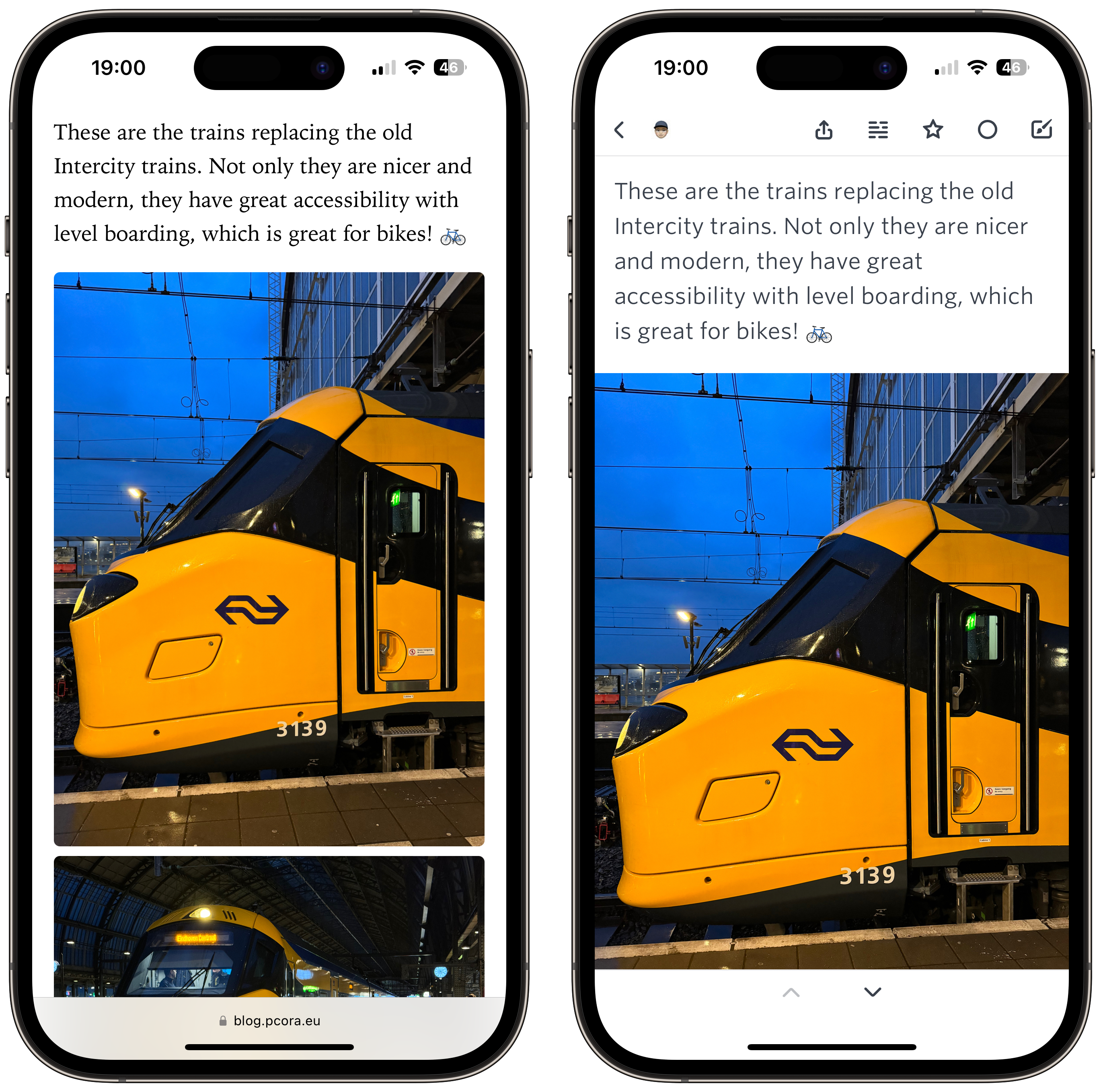

Calling for CSS specialists here, if you know any, please tag. I’m using @Mtt theme and I wanted to make photos on the iPhone go full width instead of having some margin. Any clues how to get there?

@pcora I’ve looked into full-bleed a few times, only to realize I’d have to rearchitect my theme quite a bit since it’s very hard to “break out” of a container. It may not be feasible (not an expert, and not an expert on this theme).

@pcora Try this.
article img, .e-content img, .p-summary img {
width: 100vw;
height: auto;
border-radius: 0;
position: relative;
left: 50%;
right: 50%;
margin-left: -50vw;
margin-right: -50vw;
}
That will give you full-width images on every browser and device. You could use a media query to target smaller screens. (cc @pratik, @maique, @jsonbecker, @mikehaynes). This works on many themes.
@Mtt thank you!! I will give it a try. But if I want only on small screens, then I need a media query, right?
@maique It’s a simple wrapper you can put around a bit of CSS to make it only apply to certain screen sizes and such.
@maique Your code above is missing a semicolon.
I’ll be at a computer later tonight and can have a look specifically at your site.
@maique Had a second, so had a quick look. Your images have an inline max-width: 100%; applied to them. That will either need to be removed or overridden. If you add max-width: none !important; to the code I sent, it’ll override it.
Removing that line in your posts is ideal, but that could be an insane amount of work depending on how it was originally done. The over-ride works fine.
