jarrod
jarrod

For years, I’ve said Apple should’ve put the Touch Bar above the function row, not replaced it. I think that one tweak would’ve made it a hit. Now, someone’s done it with the Flexbar, a standalone plug-in accessory I, frankly, wouldn’t buy—but it’s nice to see the idea in action.

(Via The Verge)

|
Embed
Progress spinner
jarrod
jarrod

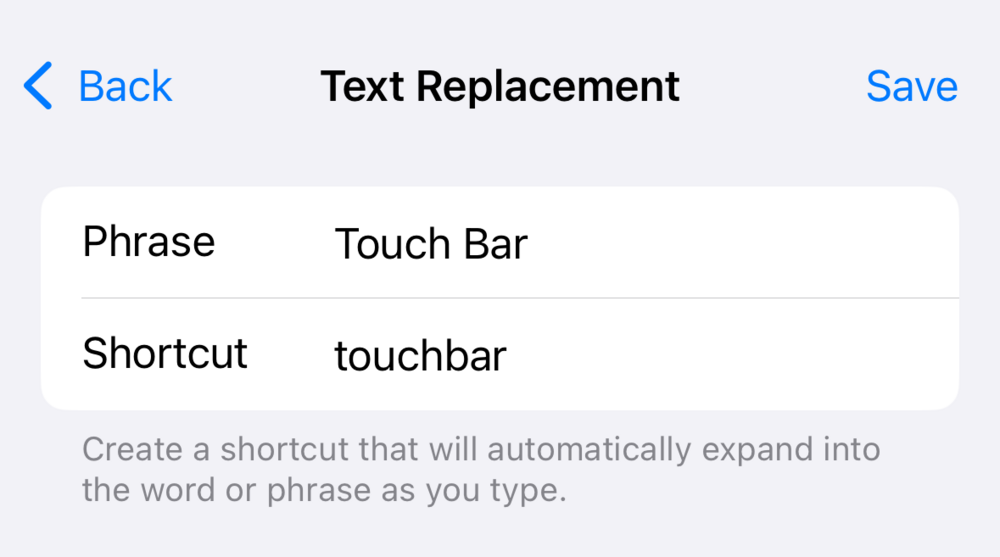
@jarrod P.S. Not that anyone cares about this specific example, but this is how I help myself with spellings and capitalizations that I just can’t seem to remember.

A text replacement screen shows two fields: “Phrase” with “Touch Bar” and “Shortcut” with “touchbar.” Below, instructions explain creating a shortcut for word expansion.

|
Embed
Progress spinner
jarrod
jarrod

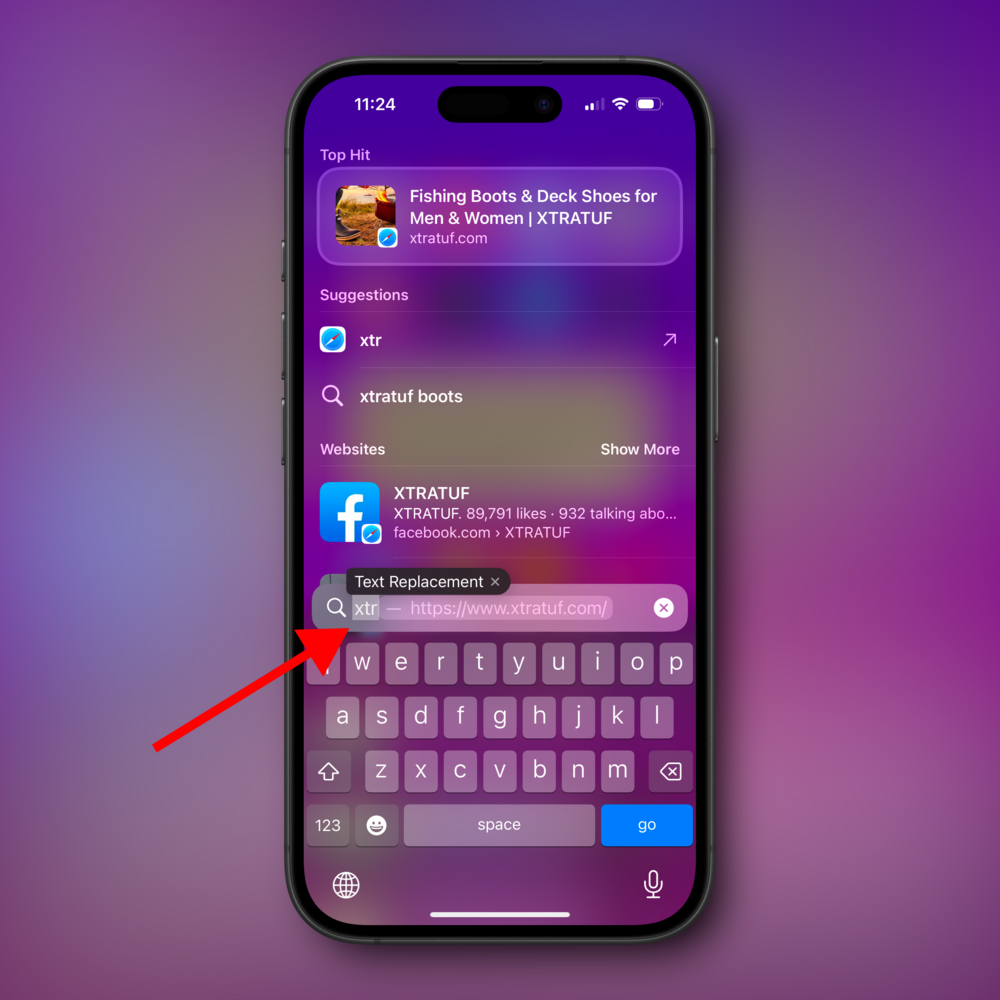
@jarrod And ‘Text Replacement’ gets its own xtr shortcut to quickly jump into that Settings screen.

A smartphone screen displays a search function highlighting a text replacement showing “xtr” replaced by “Text Replacement”. Various suggestions are listed, surrounded by a purple gradient background.

|
Embed
Progress spinner
In reply to
jarrod
jarrod

@jarrod @ismh86 wrote a great little piece on this as well, and pointed out something that I noticed but didn’t mention:

> Existential concerns about the fabric of space and time aside, the $2,569 goal for the Kickstarter immediately caught my attention. That is basically no money when it comes to manufacturing hardware like this and to build the accompanying software.

|
Embed
Progress spinner
gregmorris
gregmorris

@jarrod Yup agree

|
Embed
Progress spinner
torb@hachyderm.io
torb@hachyderm.io

@jarrod Good point, but I also wonder if something with screens under physical keys would be better too. artlebedev.com/optimus/mini-si

|
Embed
Progress spinner
torb@hachyderm.io
torb@hachyderm.io

@jarrod I do something similar! There’s a specific spelling of a word that is valid in some contexts in Norwegian but I frequently used wrong so I made it a shortcut to “ARE_YOU_SURE?“

|
Embed
Progress spinner
jarrod
jarrod

@torb A la Stream Deck? I hear those are quite popular too. But so far I’ve resisted in favor of keyboard shortcuts.

|
Embed
Progress spinner
jarrod
jarrod

@torb Haha nice one!

|
Embed
Progress spinner
torb@hachyderm.io
torb@hachyderm.io

@jarrod Ah, yeah, that’s a more contempoary example.

|
Embed
Progress spinner
numericcitizen
numericcitizen

@jarrod Oh my… I want one!!!

|
Embed
Progress spinner
torb@hachyderm.io
torb@hachyderm.io

@jarrod My big thing with HID/IO is that we’d ought to add support *standardised* support for rotary encoders (with display).

*Any time* you have a numeric value in a software tool you ought to be able to control it by turning a knob.

I use Tangent Element Knob and when I edit RAW photos I never have the software GUI sliders visible and I just turn the knobs I’ve set up.It’s a very efficient and intuitive way to work. I wish I could use it in other apps as well.

|
Embed
Progress spinner
jarrod
jarrod

@torb I imagine this would be hard to build into a laptop, but you’re right: tactile controls are pretty great.

|
Embed
Progress spinner