chasen
chasen

Wow, I’m impressed with myself for learning and SwiftData/SwiftUI for being easy.

For Day 59, we had to go back to an old app and upgrade it to use SwiftData, add sorting, and add filtering. It took me about an hour to do everything, which is a lot faster than I expected. #100DaysOfSwiftUI
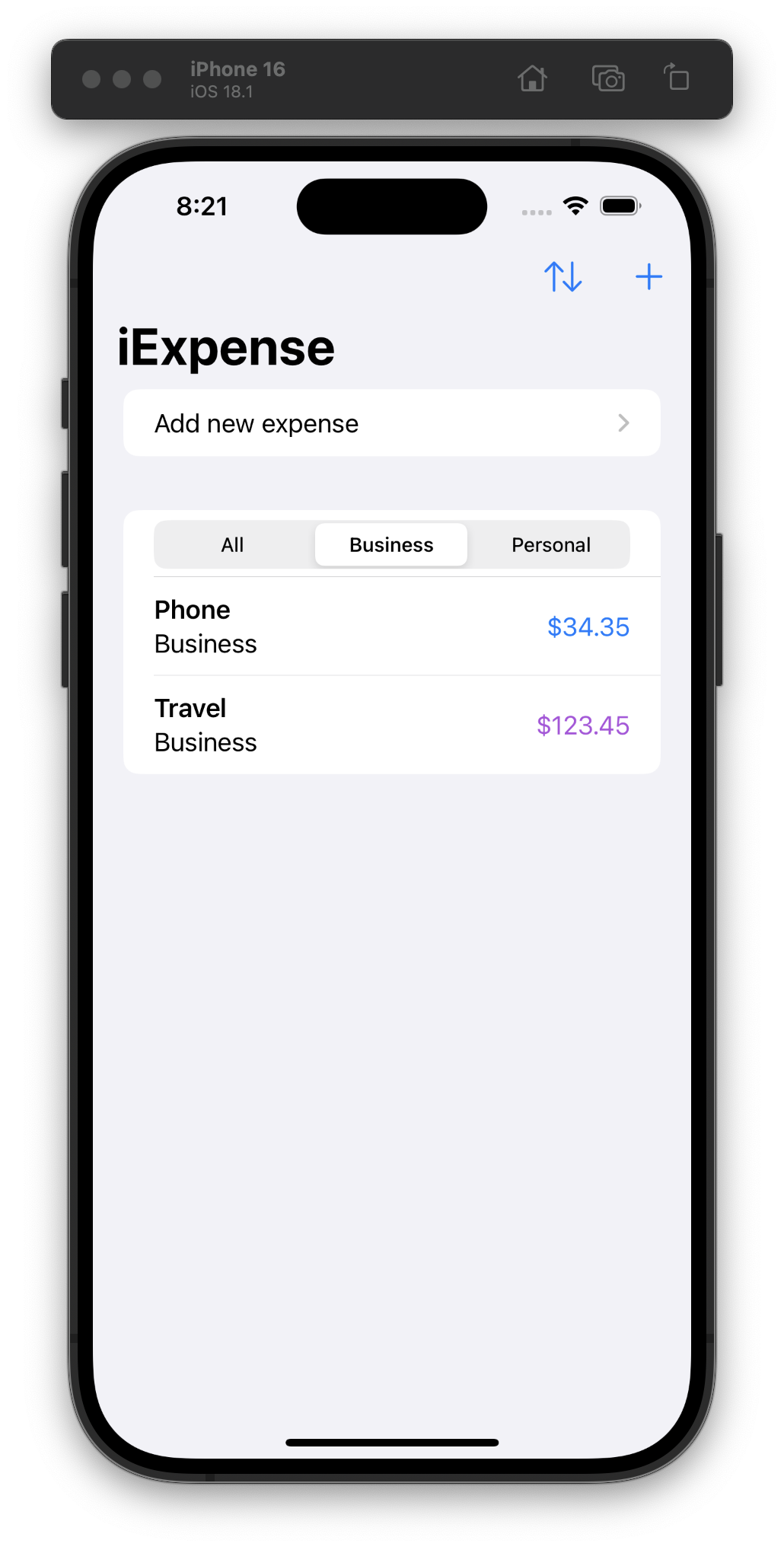

The iOS Simulator displays an “iExpense” app. The toolbar includes buttons to add new expenses and sort. A segmented control allows the main list of expenses to be sorted by “All,” “Business,” or “Personal” (with Business currently selected). The two listed expenses include “Phone, $34.35” and “Travel, $123.45.”
|
Embed
Progress spinner
pommerouge.bsky.social

@chasen How do you enable the all filter? I was able to enable one or those other but not both.

Paul’s way of doing this worked with numbers but I wasn’t sure how to get this working for strings.

|
Embed
Progress spinner
In reply to
chasen
chasen

@pommerouge.bsky.social This is what I came up with, I hope it helps! github.com/chasenleh…

|
Embed
Progress spinner